
Preferences
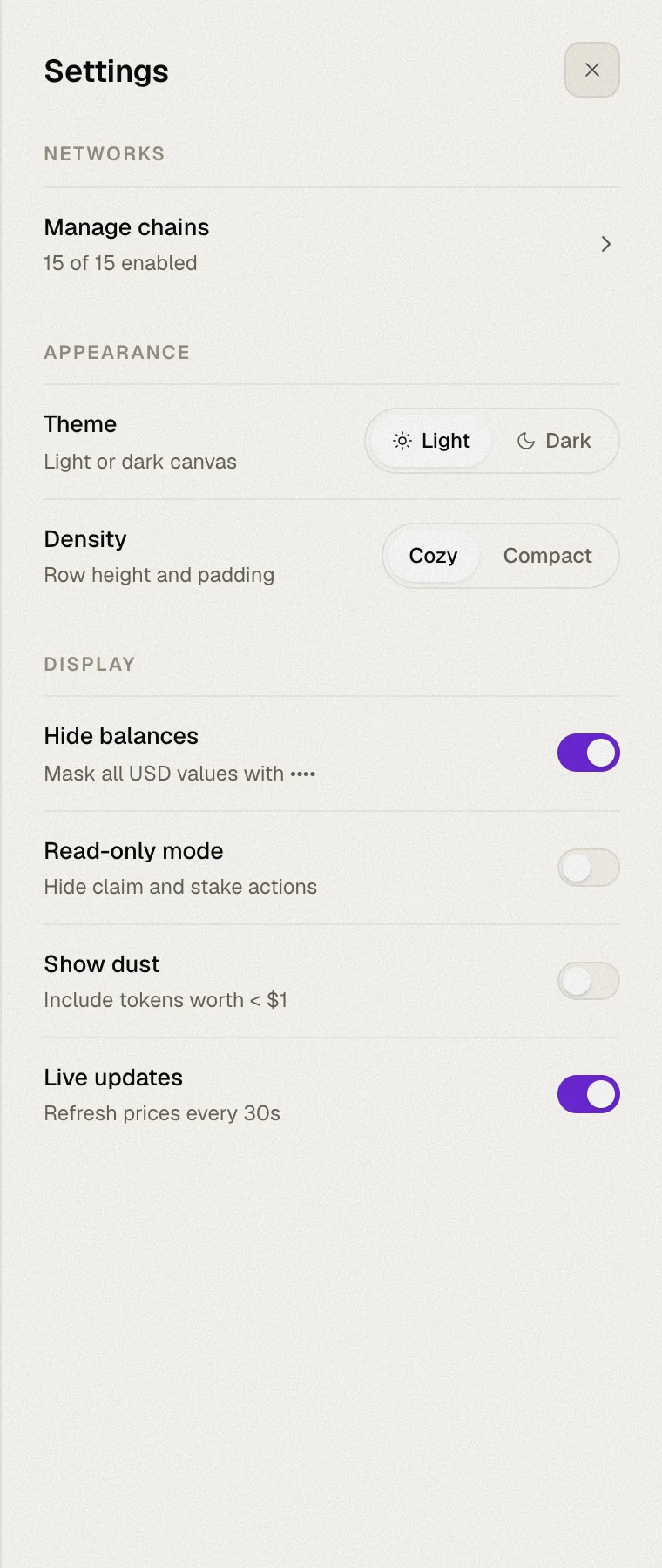
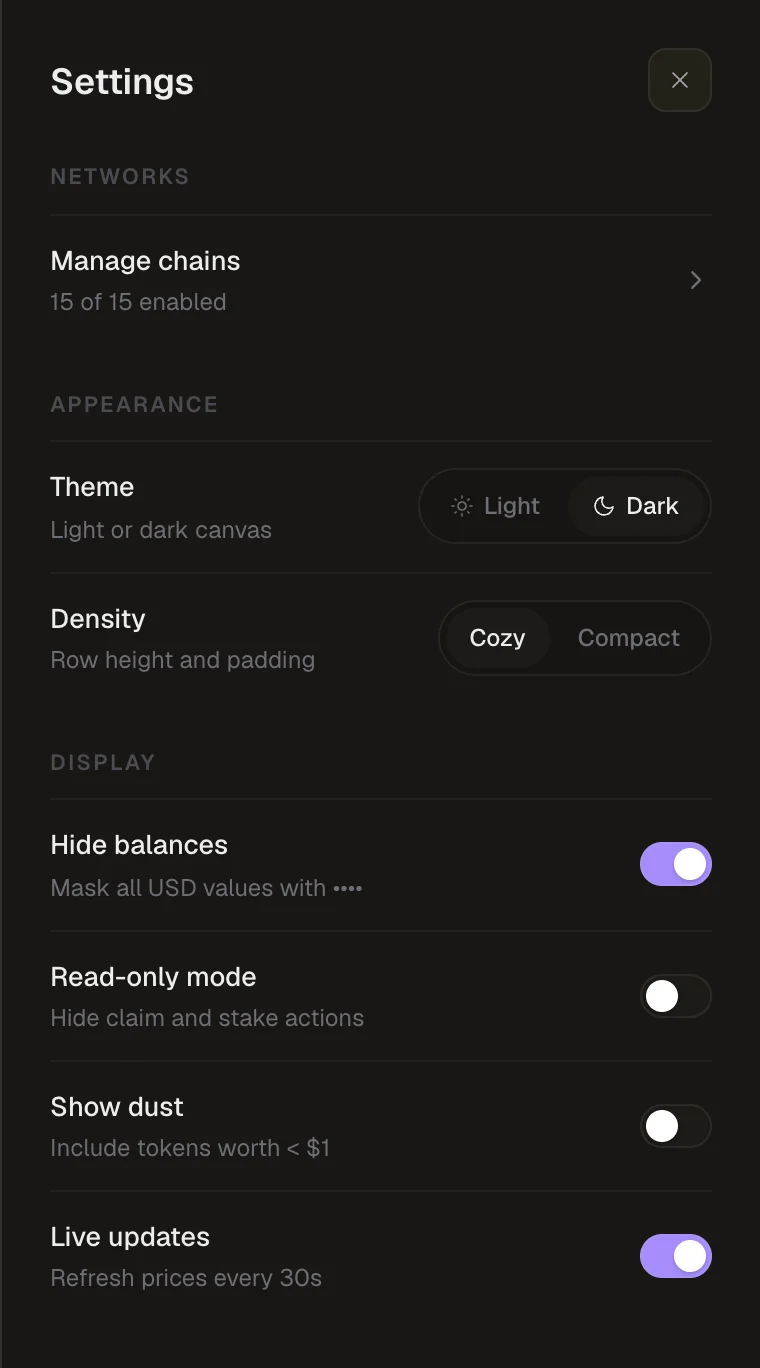
Appearance and display options in the Settings panel.
Open Settings with the gear icon in the top bar. All preferences are saved in your browser and kept between visits.
Appearance
| Setting | Options | What it does |
|---|---|---|
| Theme | Light · Dark | Switches between a light and a dark canvas. Dark is the default. |
| Density | Cozy · Compact | Changes row height and padding. Compact fits more on screen. |
Display
| Setting | Default | What it does |
|---|---|---|
| Hide balances | Off | Masks all amounts and USD values with •••• — handy when sharing your screen. |
| Read-only mode | Off | Hides every claim and stake action. See Read-only mode. |
| Show dust | Off | Includes tokens worth less than $1 in the Overview's token balances. |