
Overview
Your whole portfolio — allocation, asset classes and token balances.
The Overview tab is the home of Whaleboard. It combines every connected or watched wallet across Cosmos, EVM and Solana into one view, priced in USD.
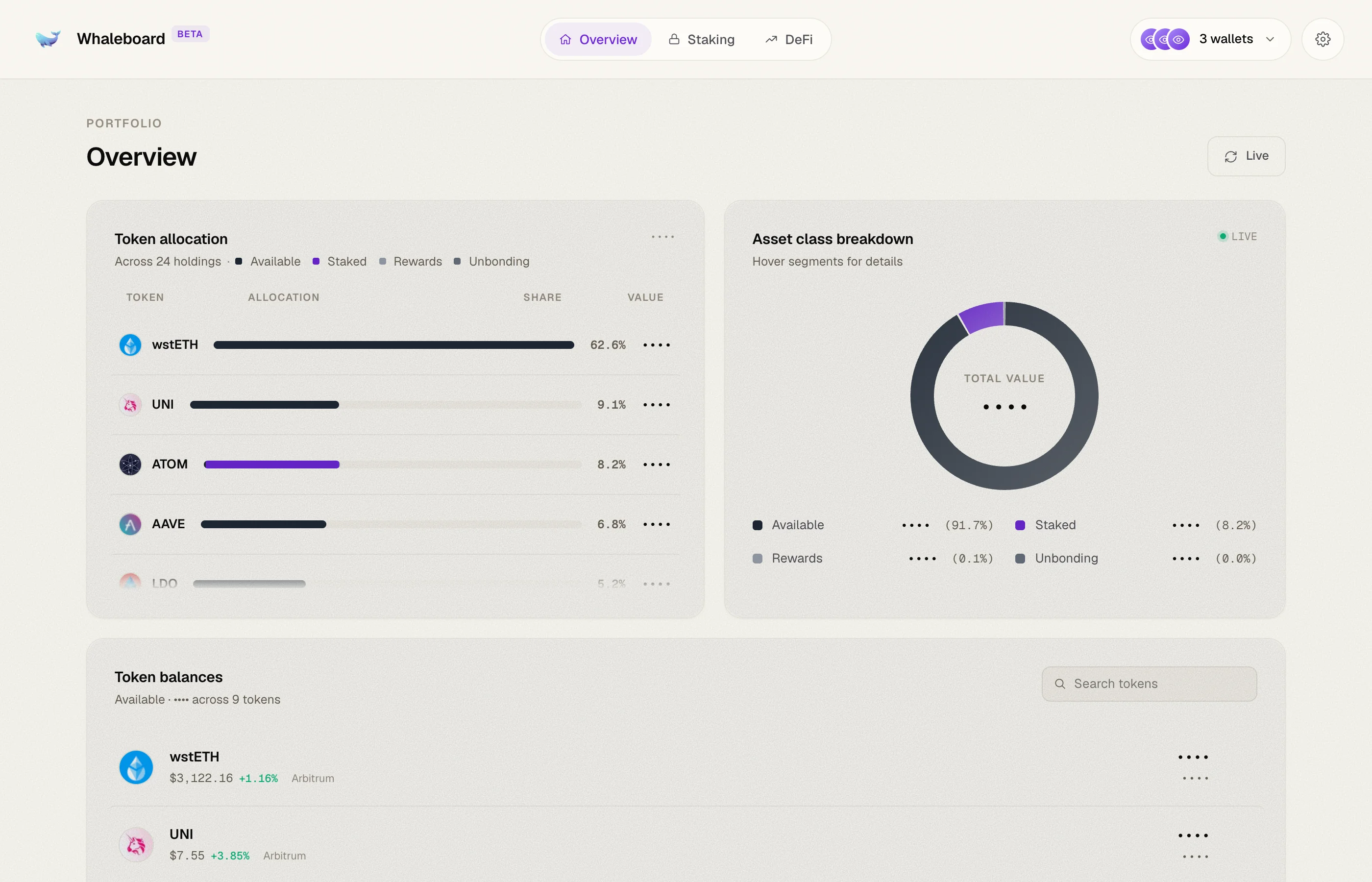
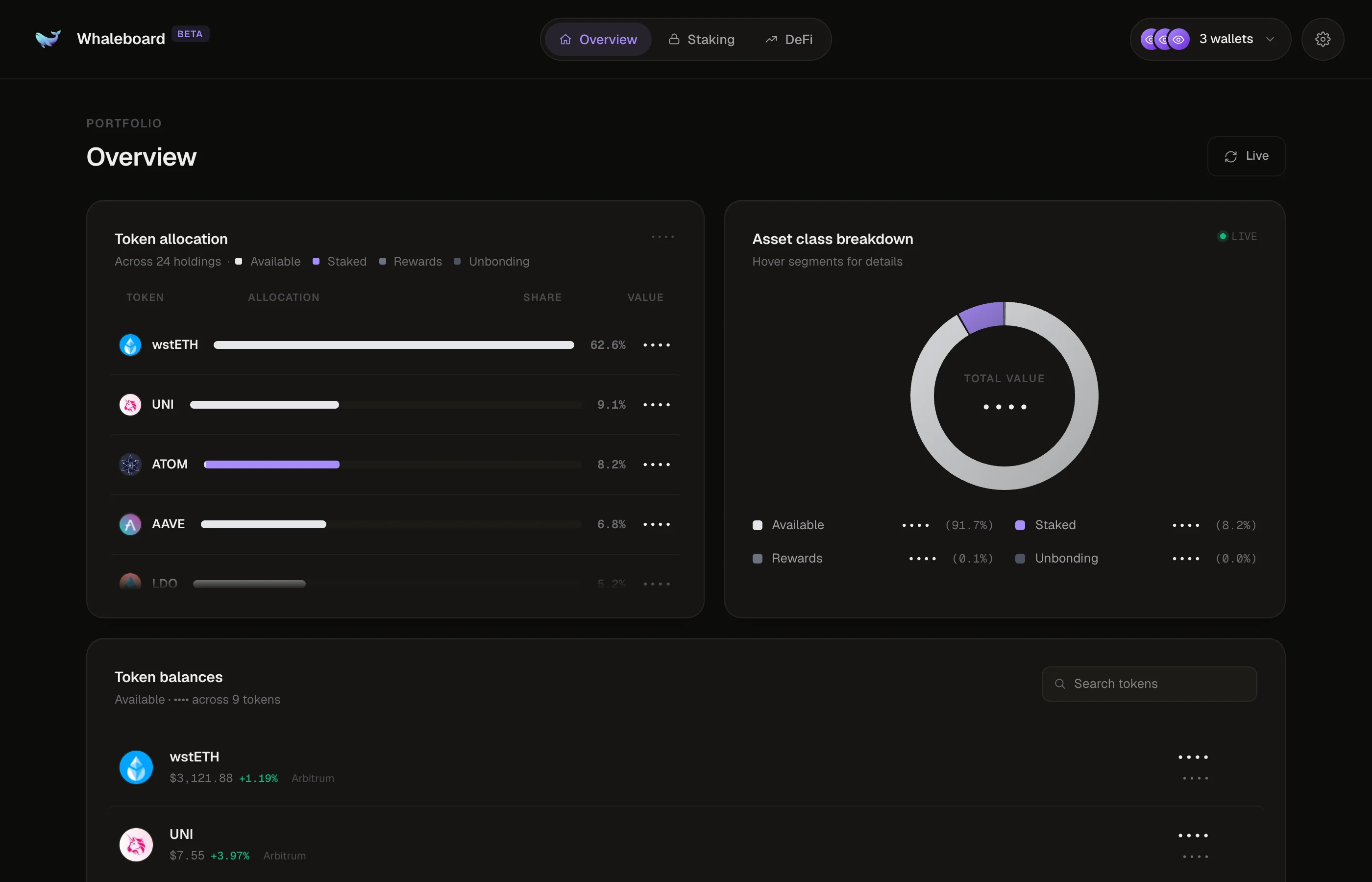
Token allocation
Lists each token you hold, sorted by total value, with:
- a segmented bar showing how that token's value splits between Available, Staked, Rewards and Unbonding — hover a segment to see its USD value and share
- the token's share of your whole portfolio
- its total value
Tokens are grouped across chains: USDC on Ethereum, Base and Noble shows up as a single USDC row.
Asset class breakdown
A donut chart of your portfolio by asset class — Available, Staked, Rewards and Unbonding — with each class's USD value and percentage in the legend. Hover the segments for details.
Token balances
Your available (liquid, spendable) balance for each token. Each row shows:
- the token's price and its 24h change
- which chain holds it, or "N chains" when it's spread across several
- the amount and its USD value
Click a multi-chain token to expand it and see the amount on each chain.
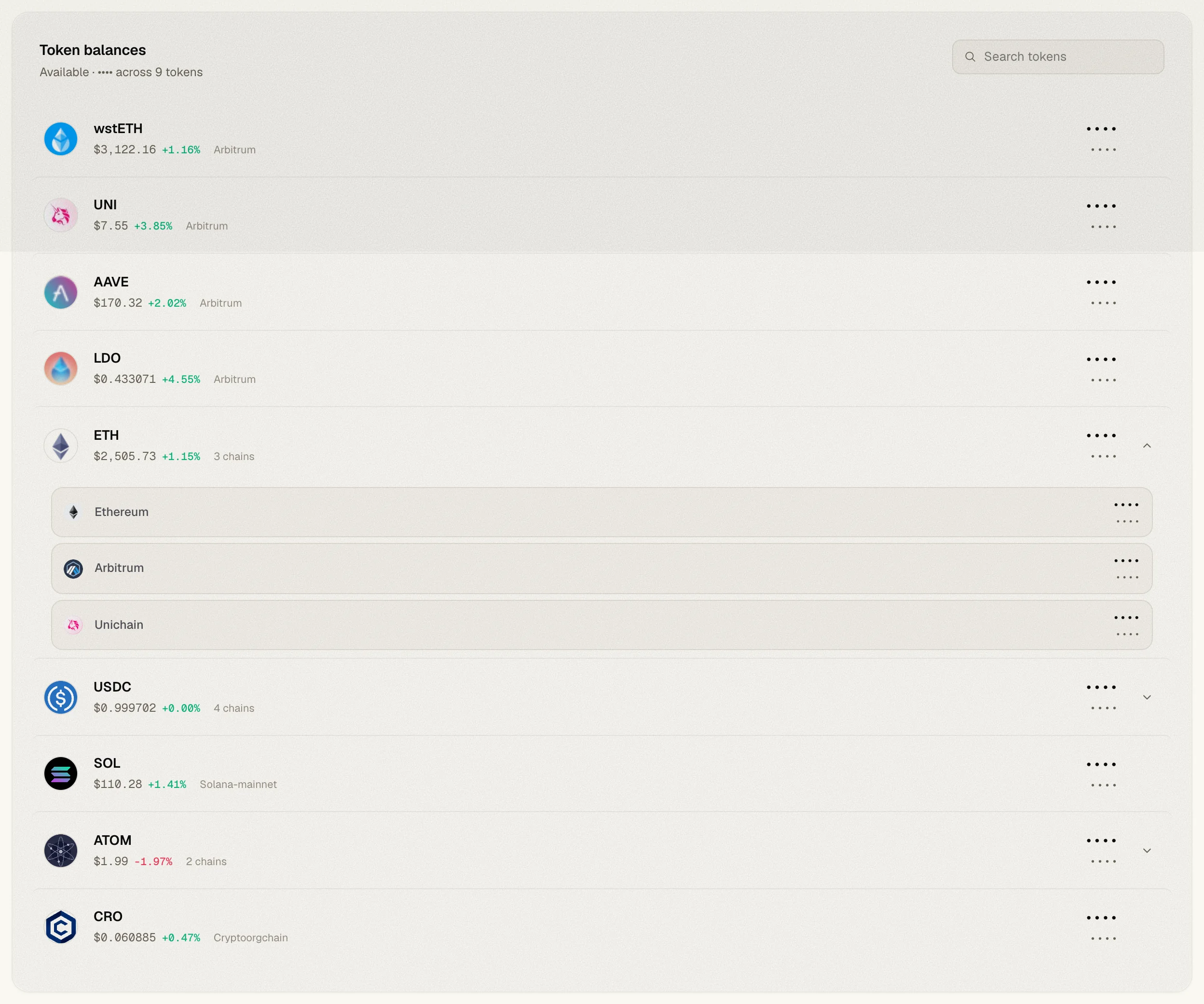
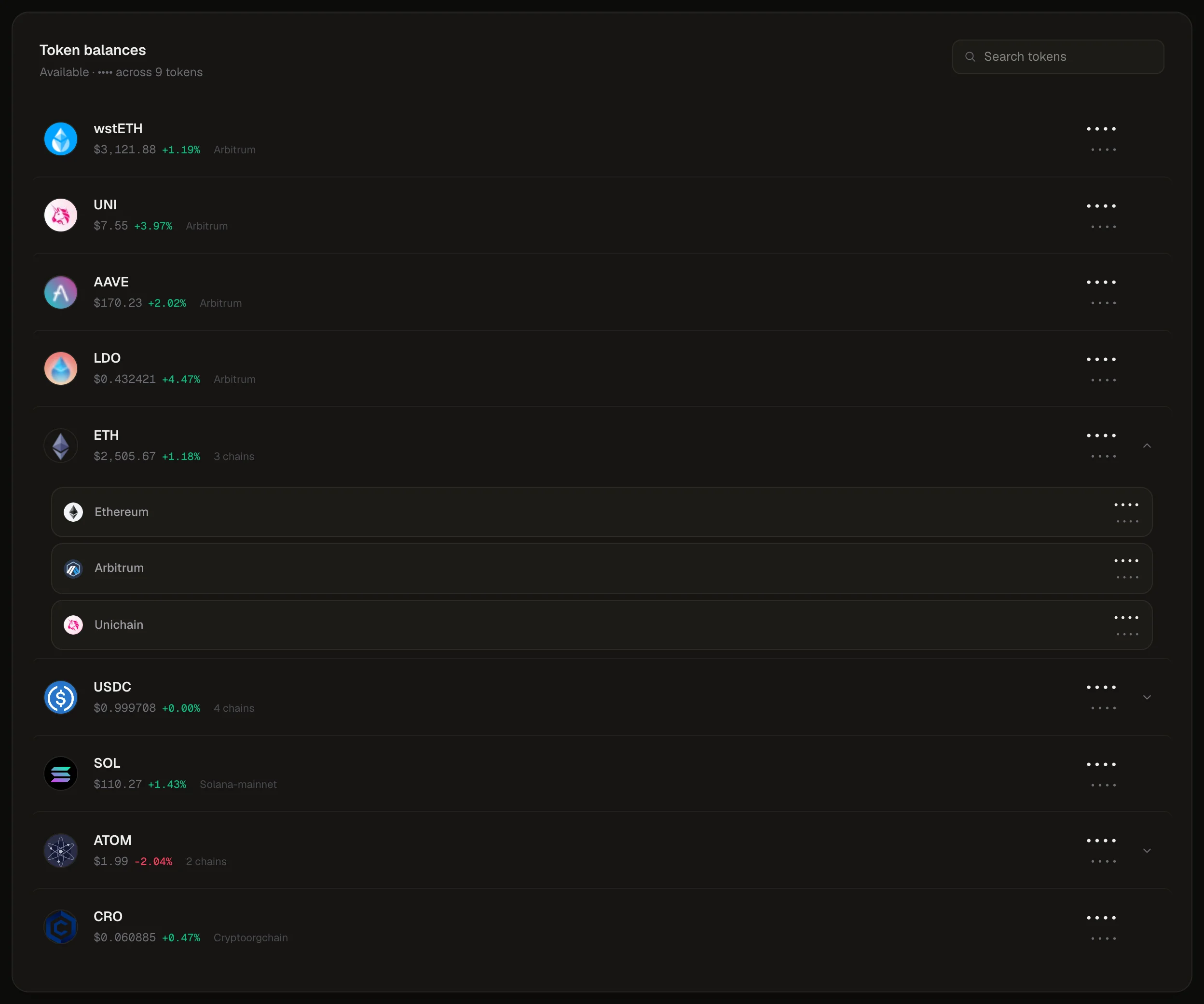
Use the Search tokens box to filter by symbol.
Where are my small balances?
By default, tokens worth less than $1 are hidden from this list. Turn on Show dust in Preferences to include them.
Refreshing data
Balances are loaded when you open the app and kept until you refresh. Click the Live button at the top of the page to refetch everything — balances, staking, prices and APRs — without reloading the page or losing your wallet connections. It shows Refreshing… while data is being fetched.
Prices
USD values come from CoinGecko. Tokens Whaleboard can't match to a CoinGecko listing count as $0, so they only appear in Token balances when Show dust is on. See Data sources for details.