
Connect a wallet
Connect a Cosmos, EVM or Solana browser wallet to load your portfolio.
Whaleboard works with browser-extension wallets. You can connect one wallet per ecosystem — Cosmos, EVM and Solana — at the same time, and your portfolio combines all of them.
Open the connect dialog
Click Connect Wallet in the top bar (or on the welcome screen).
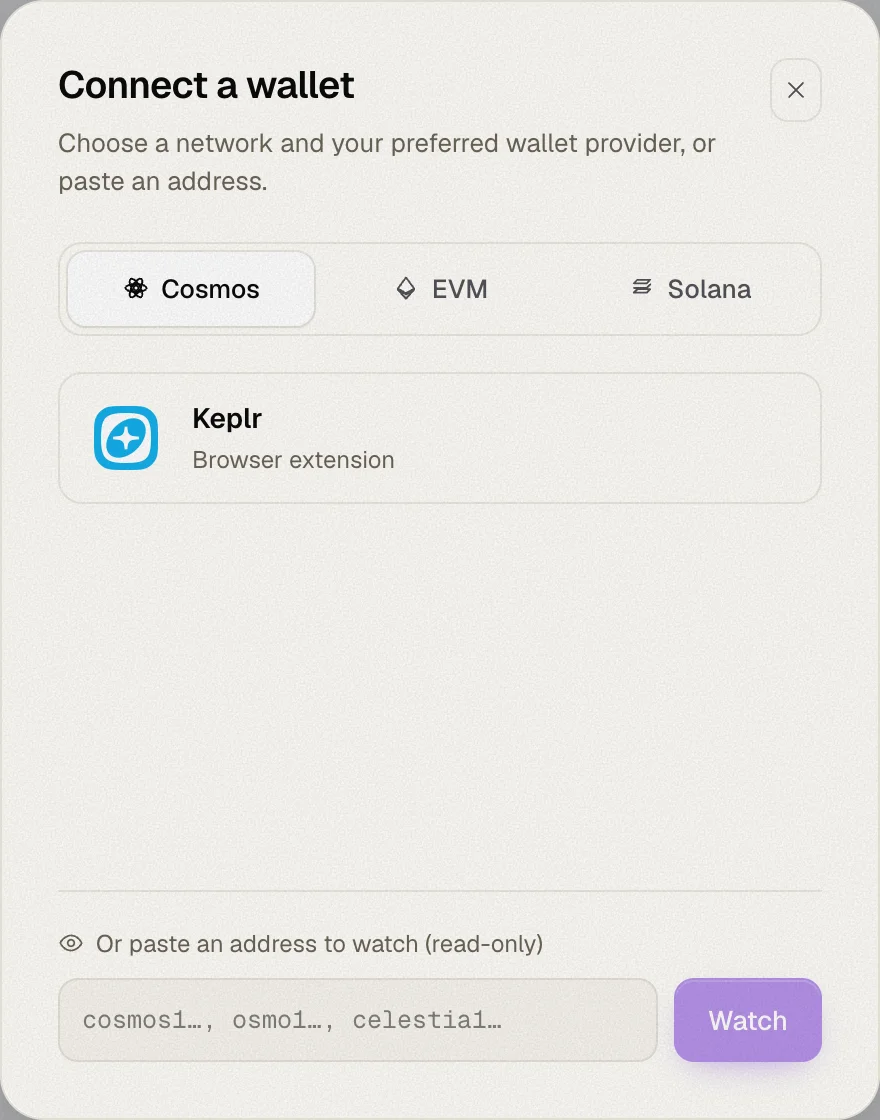
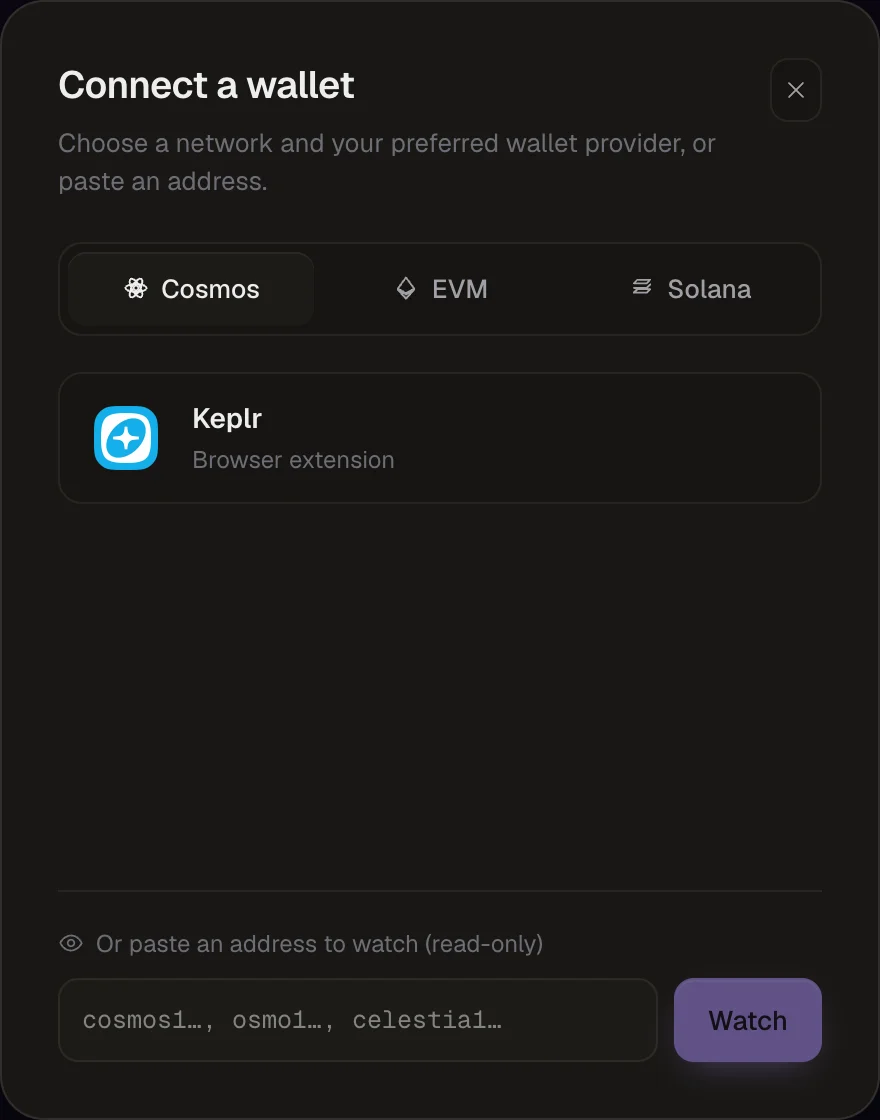
Pick an ecosystem
Choose Cosmos, EVM or Solana at the top of the dialog.
Pick your wallet
Whaleboard lists the wallets it detects in your browser for that ecosystem. Click one and approve the connection in the wallet's popup.
Supported wallets
| Ecosystem | Wallets |
|---|---|
| Cosmos | Keplr, Leap, Cosmostation (browser extensions) |
| EVM | Any injected wallet that announces itself (EIP-6963), e.g. Rabby or MetaMask |
| Solana | Any Wallet Standard wallet, e.g. Phantom, Backpack or Solflare |
Only installed wallets appear in the list. If none are detected, the dialog suggests which extensions to install.
One Cosmos address, every Cosmos chain
When you connect a Cosmos wallet, Whaleboard derives your address on every supported Cosmos chain from the same key. You don't need to add chains one by one — balances from Cosmos Hub, Osmosis, Celestia and the others load automatically.
Managing connected wallets
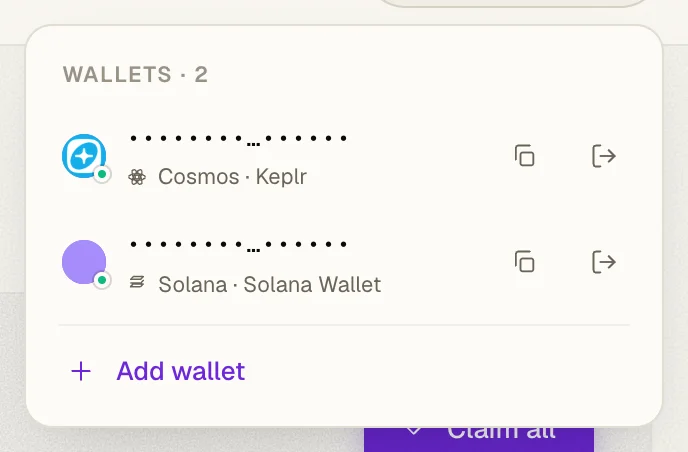
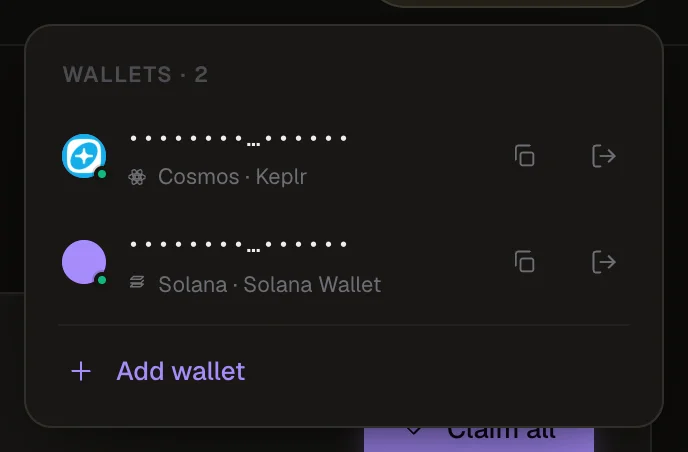
Once connected, the wallet pill in the top bar shows your wallet's icon (or the first address when only one wallet is connected). Click it to:
- see every connected or watched address, with its ecosystem and wallet name
- copy an address
- disconnect a wallet (or stop watching an address)
- add a wallet for an ecosystem you haven't connected yet
Authorizing additional chains
Some actions — claiming rewards or staking on a Cosmos chain — need your wallet to authorize that specific chain. If it hasn't yet, Whaleboard asks the wallet you're already connected with to approve the chain directly, so you don't have to pick your wallet again.
Troubleshooting
Make sure the extension is installed and enabled, then reload the page. Whaleboard only lists wallets it can detect in the browser.
If a Solana connection doesn't complete within 15 seconds, Whaleboard shows a timeout. Having several Solana wallet extensions enabled at once can cause this — try disabling the ones you're not using, or reload the page.