
Watch an address
View any portfolio by pasting an address — no wallet required.
You can track a portfolio without connecting a wallet by pasting an address. Watched addresses are read-only: every transaction action (claim, stake, unstake…) is hidden for that ecosystem.
Open the connect dialog
Click Connect Wallet (or Add wallet in the wallet menu).
Pick the ecosystem
Select Cosmos, EVM or Solana.
Paste the address and click Watch
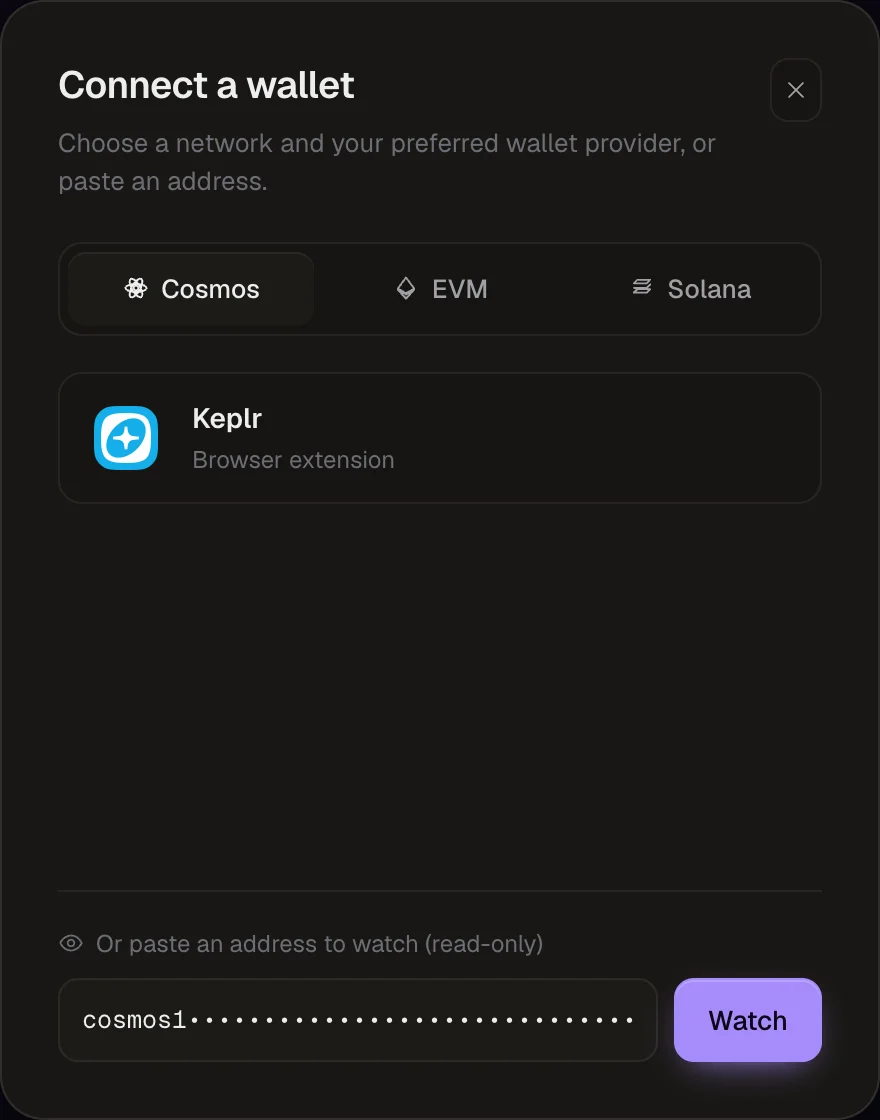
Paste the address in the field at the bottom of the dialog — "Or paste an address to watch (read-only)" — and click Watch.
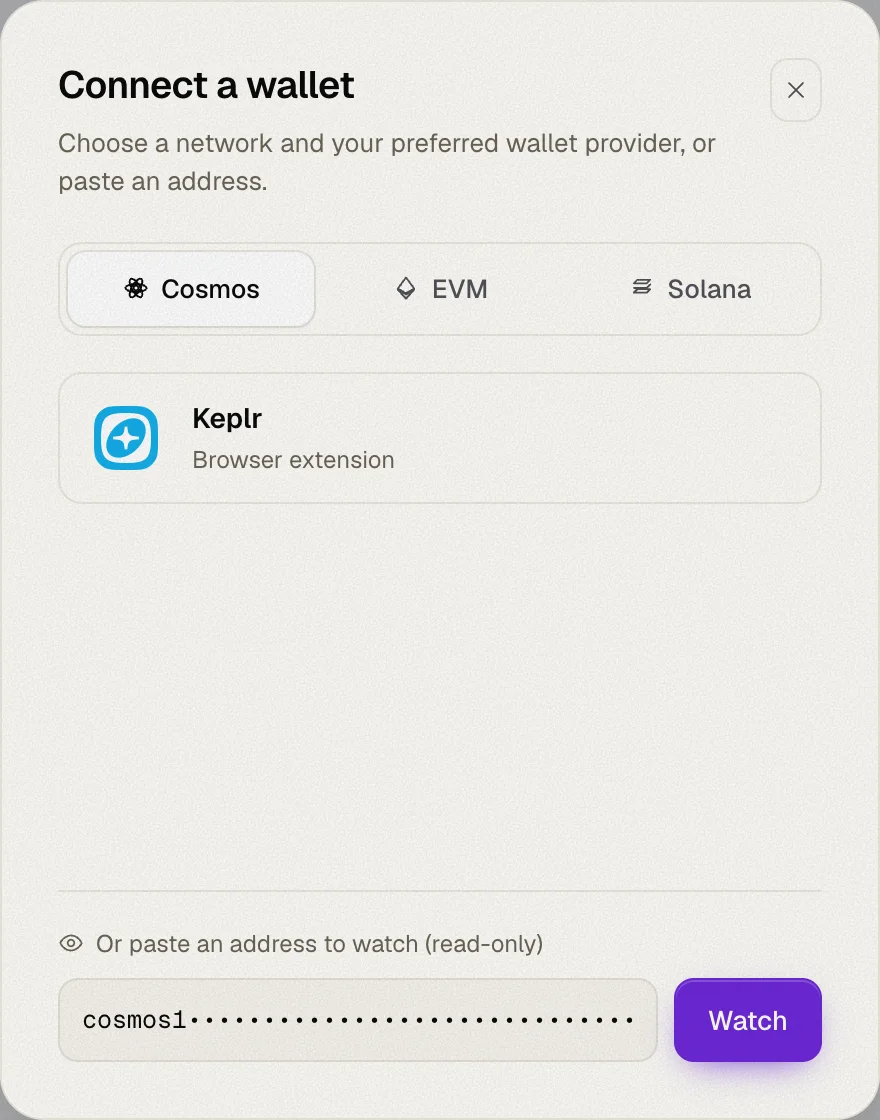
Accepted addresses
| Ecosystem | Format |
|---|---|
| Cosmos | A bech32 account address with any prefix, e.g. cosmos1…, osmo1…, celestia1… |
| EVM | A 0x… address |
| Solana | A base58 public key |
For Cosmos, the prefix doesn't matter: Whaleboard converts the address to every supported Cosmos chain, exactly like a connected wallet. Module and contract accounts (32-byte addresses) aren't supported, since they don't map across chains.
If the address isn't valid for the selected ecosystem, the dialog tells you so.
One source per ecosystem
Each ecosystem shows either a connected wallet or a watched address, never both:
- Watching an address disconnects the wallet connected for that ecosystem.
- Connecting a wallet replaces the watched address for that ecosystem.
Watched addresses appear in the wallet menu with an eye icon and the label Watching. Use the disconnect button there to stop watching.
Watched addresses are saved in your browser, so they're still there when you come back.