
Manage stake
Stake, redelegate, unstake and withdraw from inside Whaleboard.
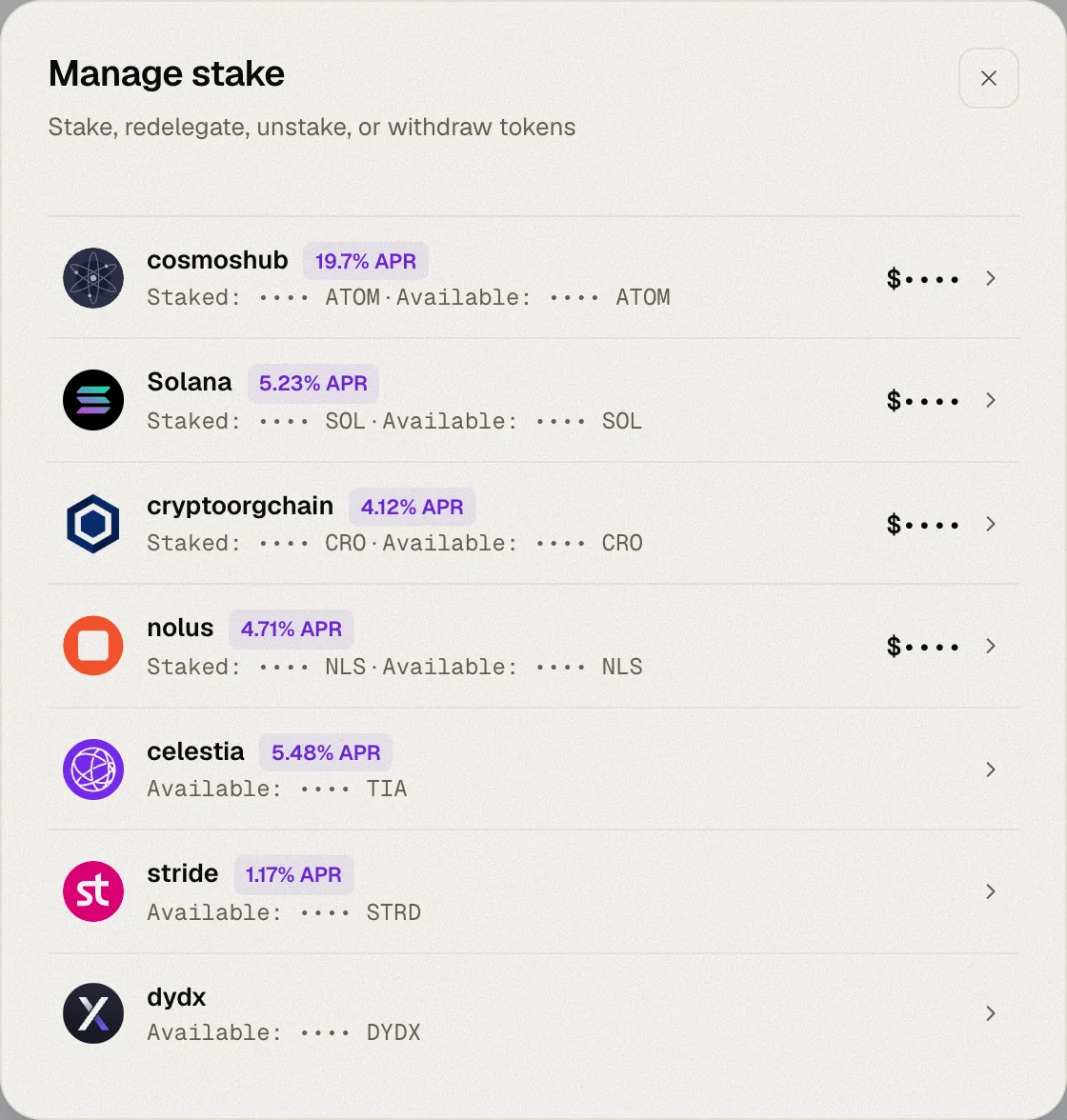
The Manage stake dialog lets you change your staking positions without leaving Whaleboard. Open it from the Staking tab — either with Manage stake at the top of Staking balances, or with a chain's own Manage button to jump straight to that chain.
Every action is signed in your wallet; Whaleboard never holds your keys.
Choosing a chain
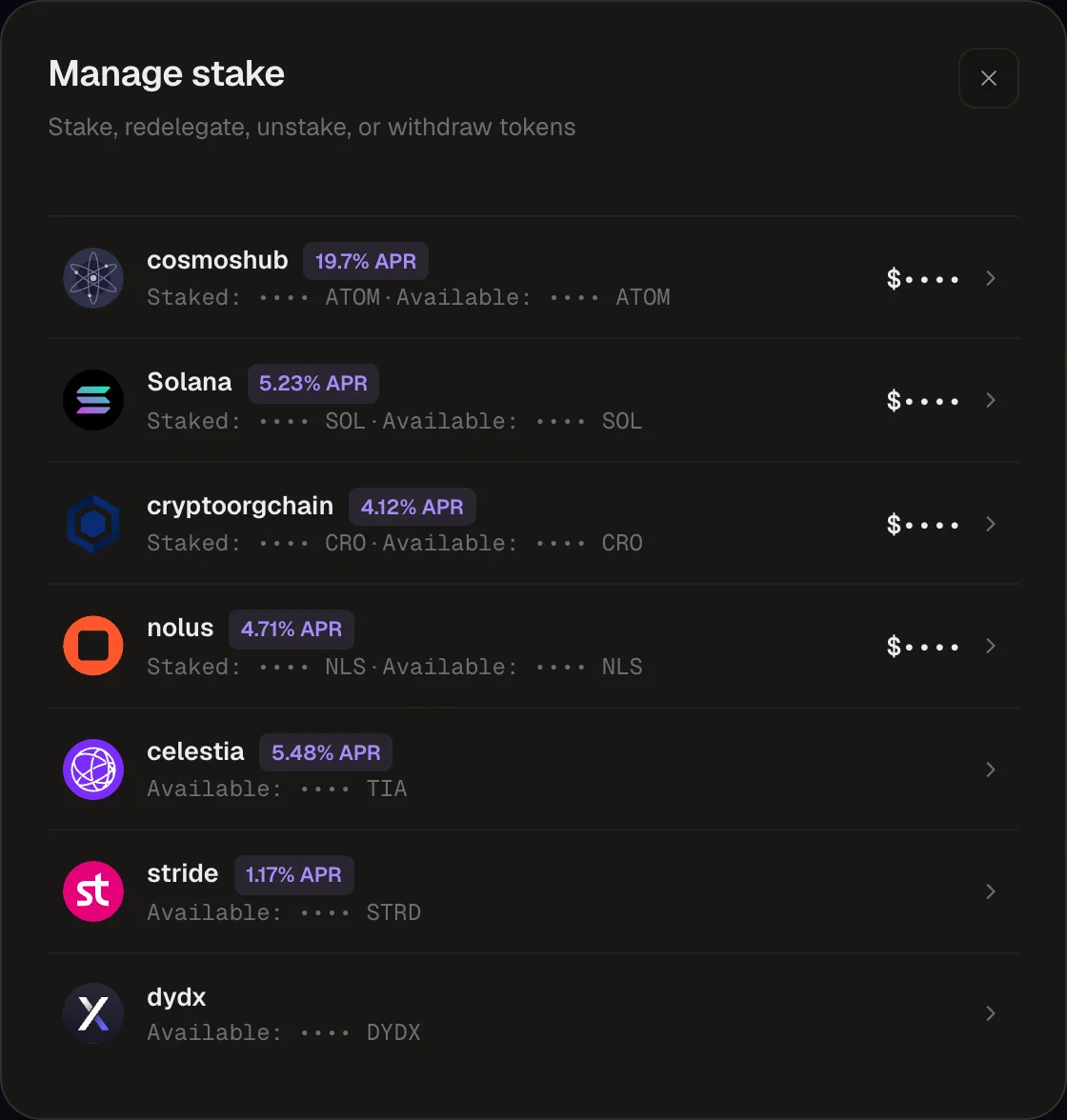
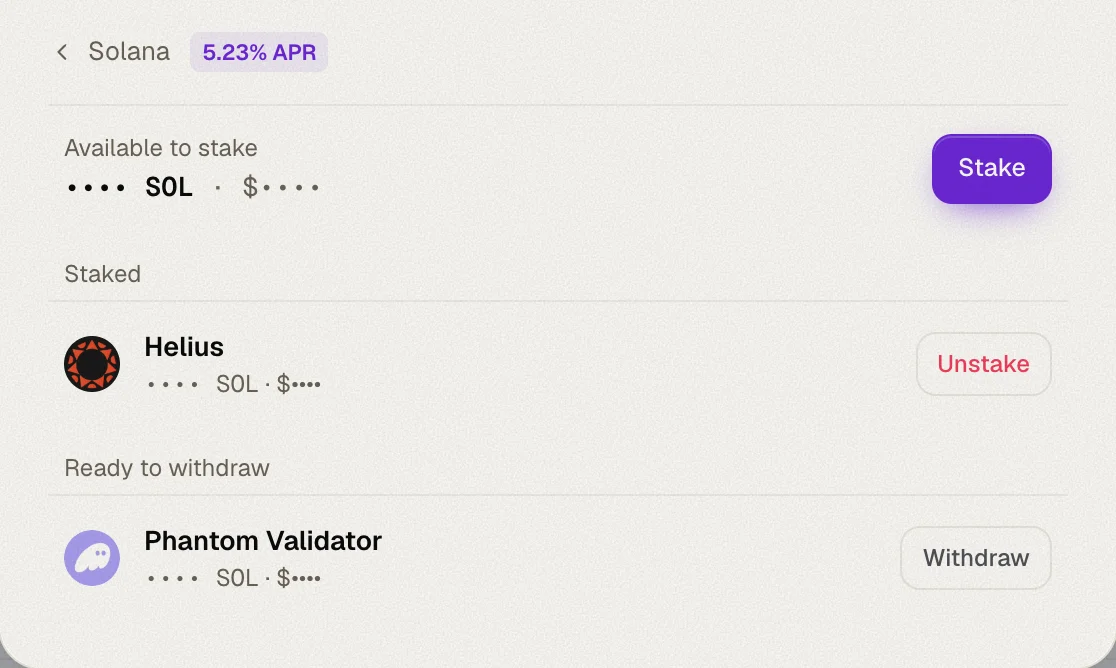
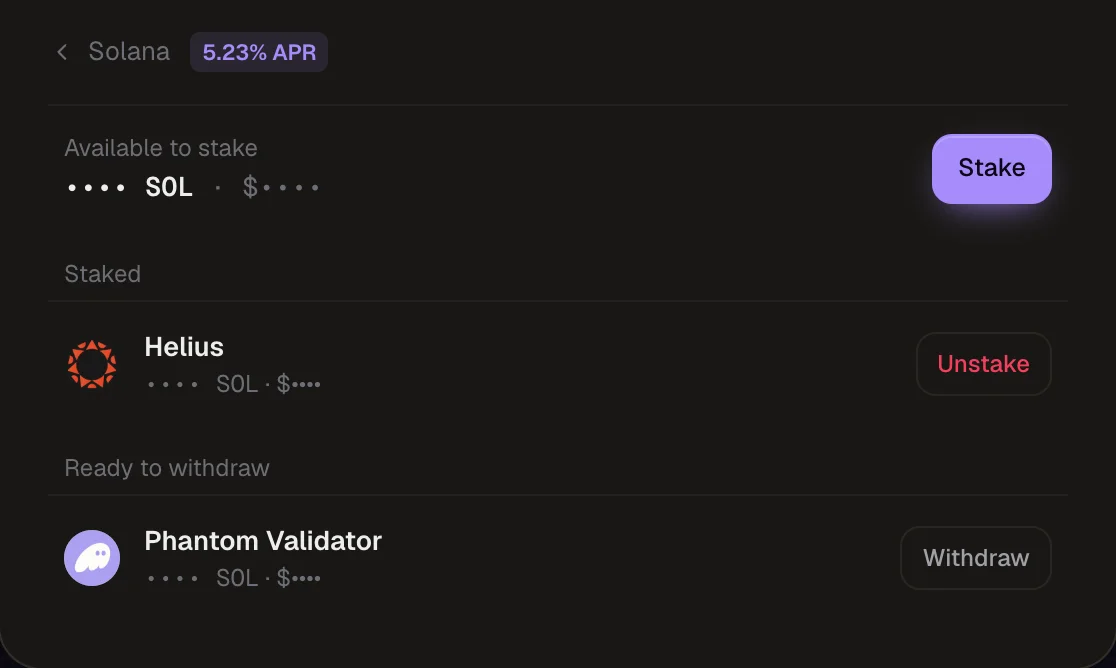
The first screen lists every chain where you have stake or a stakeable balance, with its APR and how much is Staked and Available. Click a chain to see:
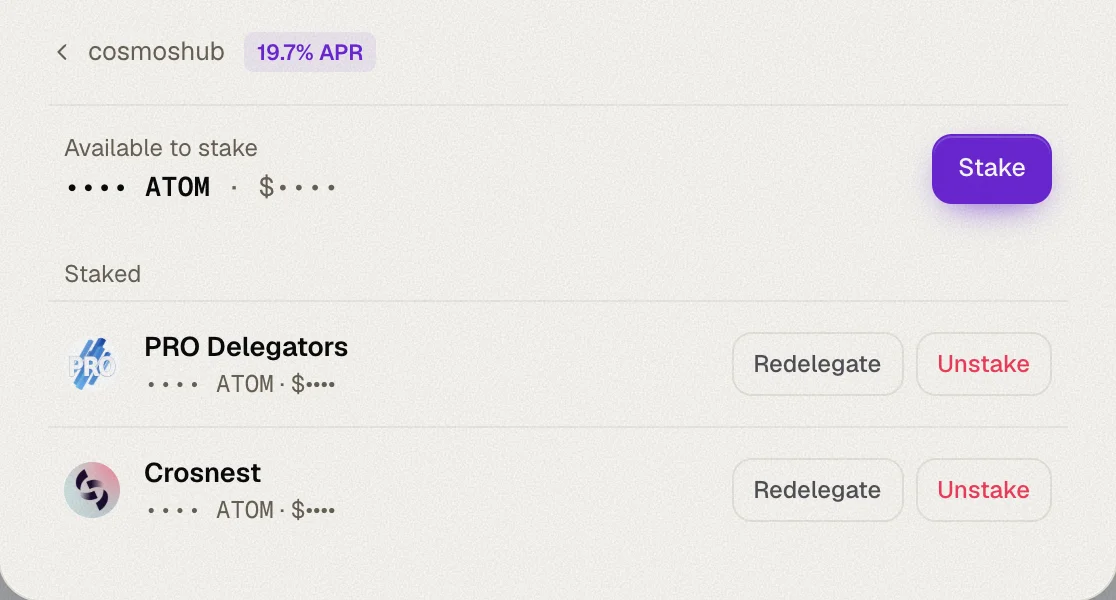
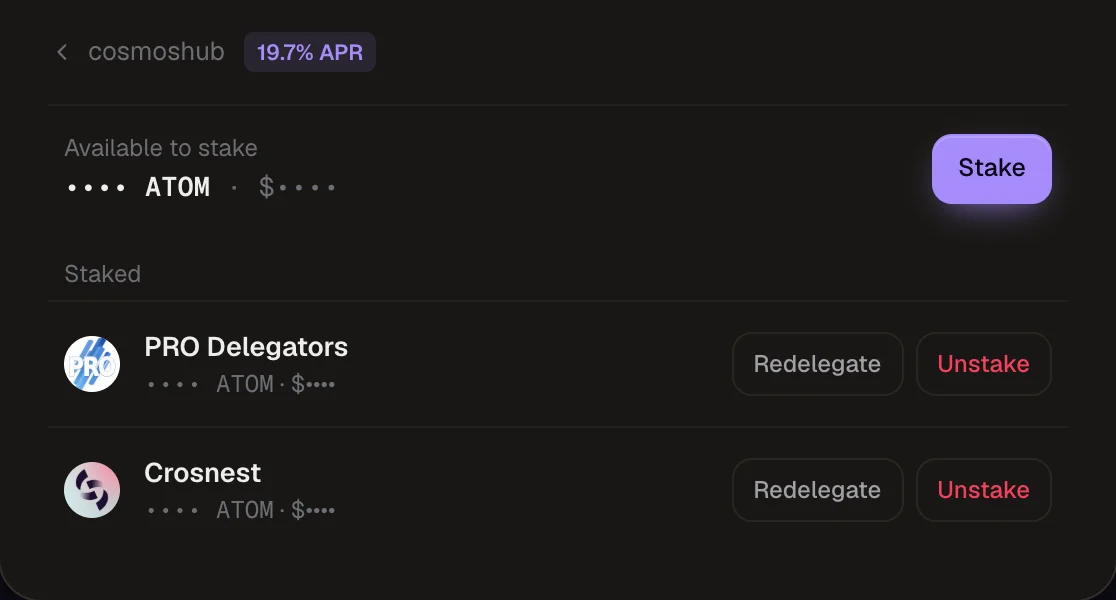
- Available to stake — your liquid balance of the chain's staking token, with a Stake button
- Staked — each validator you delegate to, with its actions
- Ready to withdraw (Solana) — stake accounts that have finished unstaking
Cosmos
Stake on Cosmos
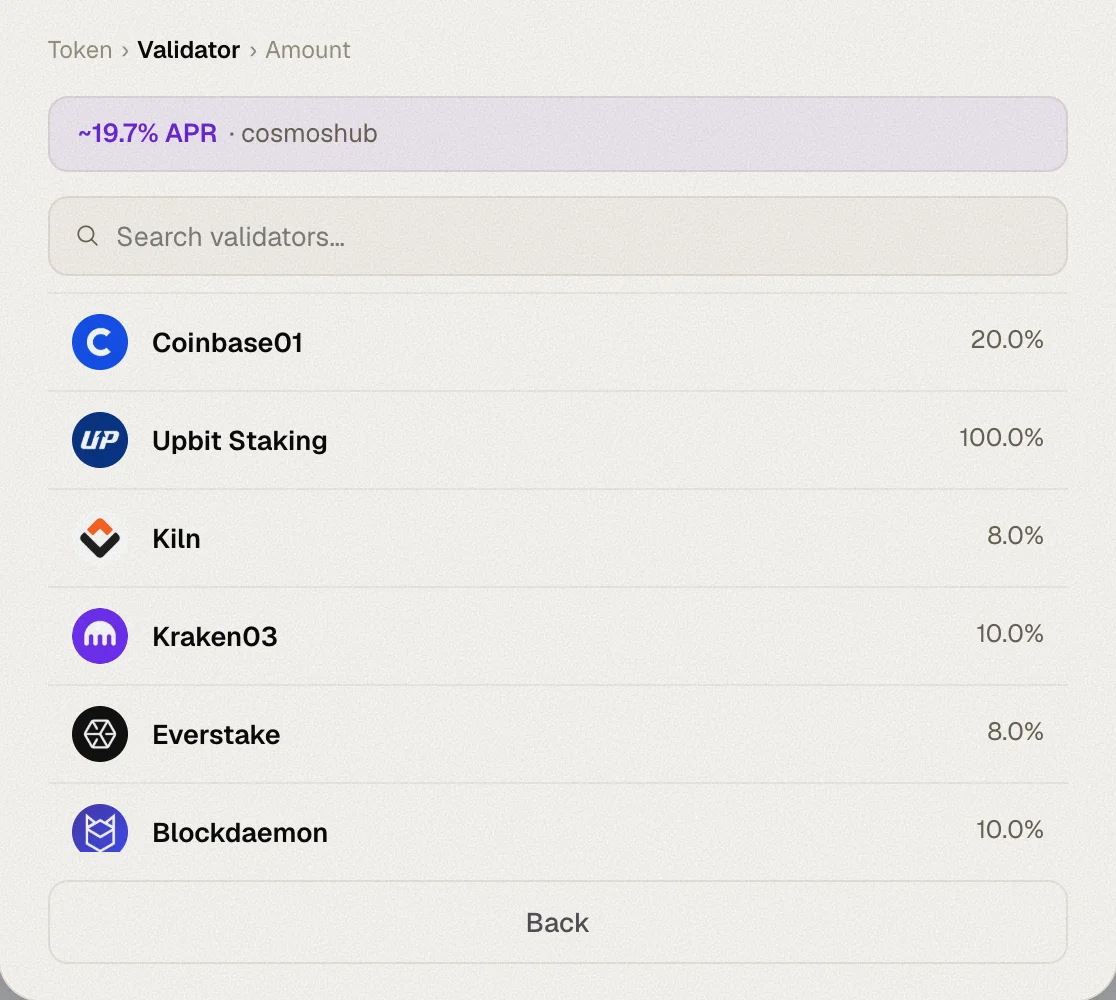
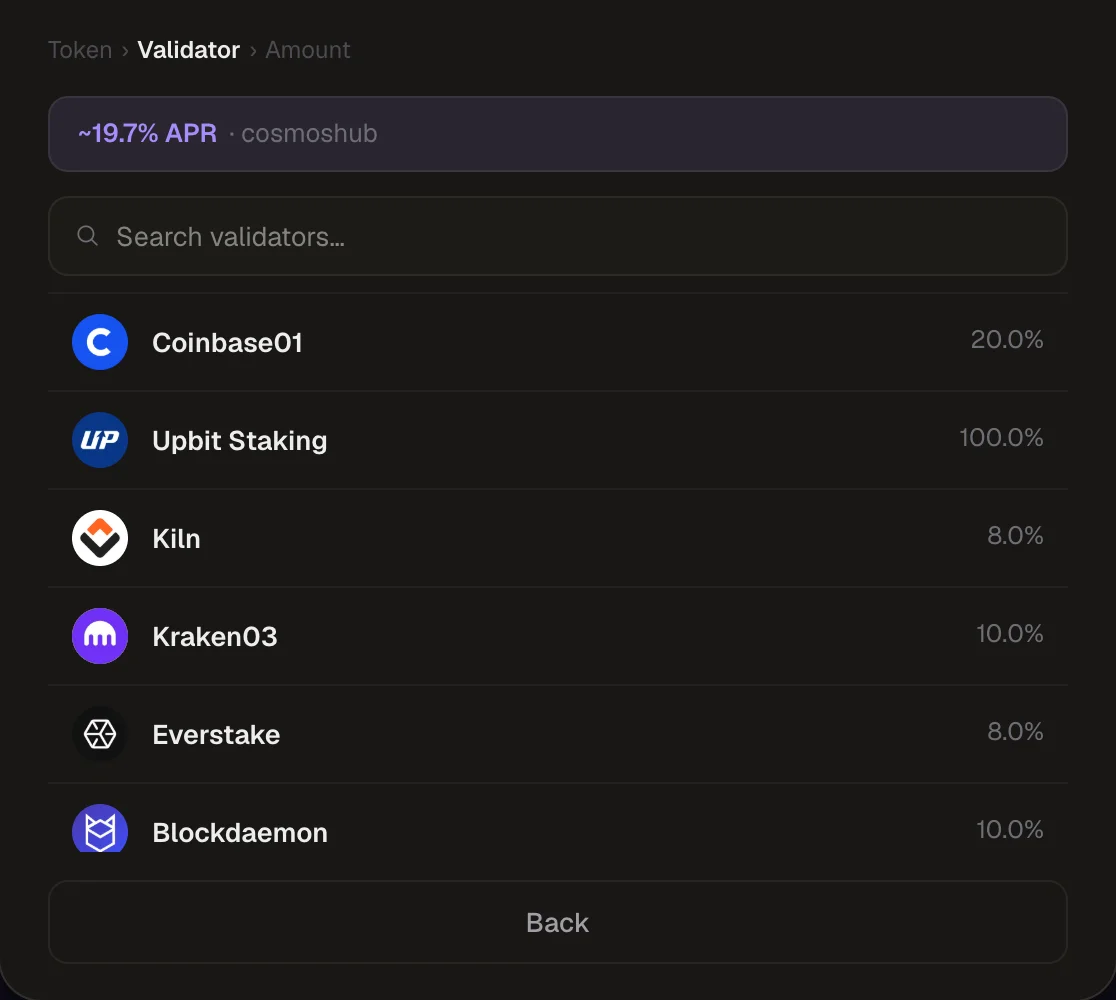
Pick a validator
Validators are listed with their commission, sorted by voting power. Jailed validators are flagged. Use the search box to find one by name.
Enter an amount
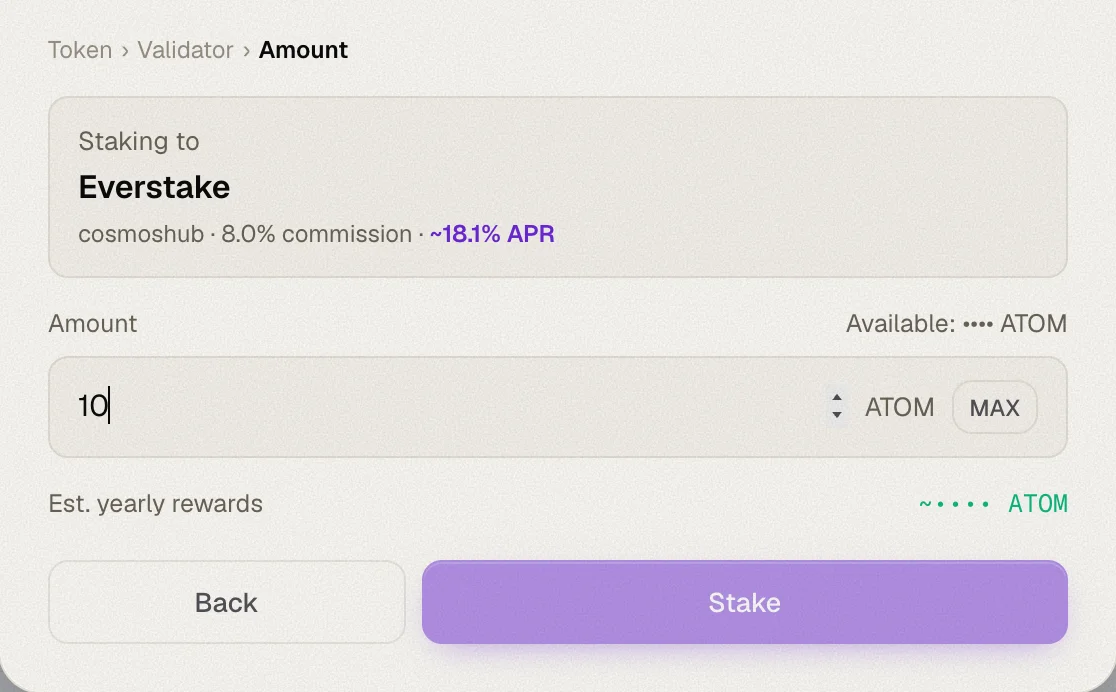
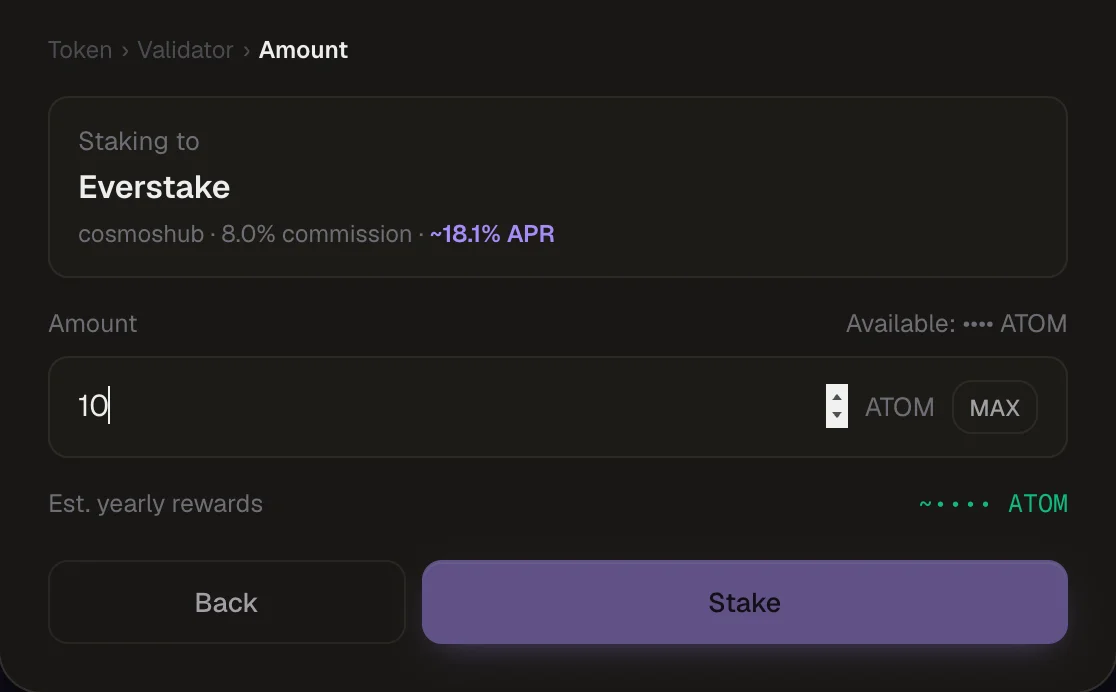
Type an amount or click MAX. Whaleboard shows an estimated yearly reward, based on the chain's APR minus the validator's commission.
Confirm
Click Stake and approve the transaction in your wallet.
Redelegate on Cosmos
Move stake from one validator to another without unbonding. Click Redelegate next to a validator, pick the destination validator, adjust the amount (pre-filled with the full delegation) and confirm.
Unstake on Cosmos
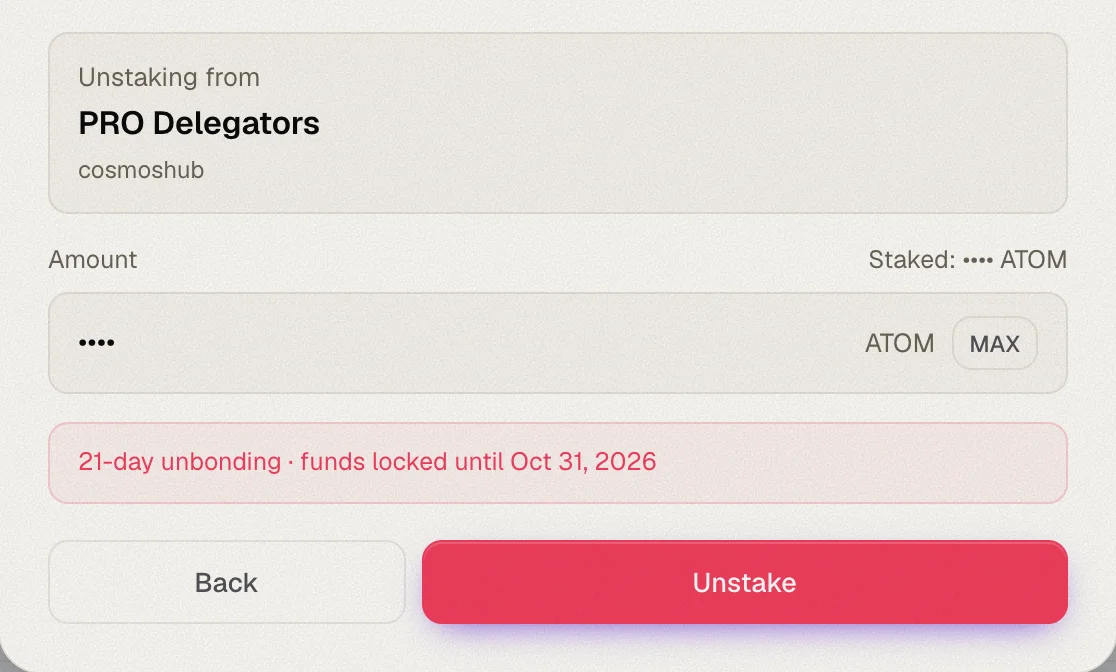
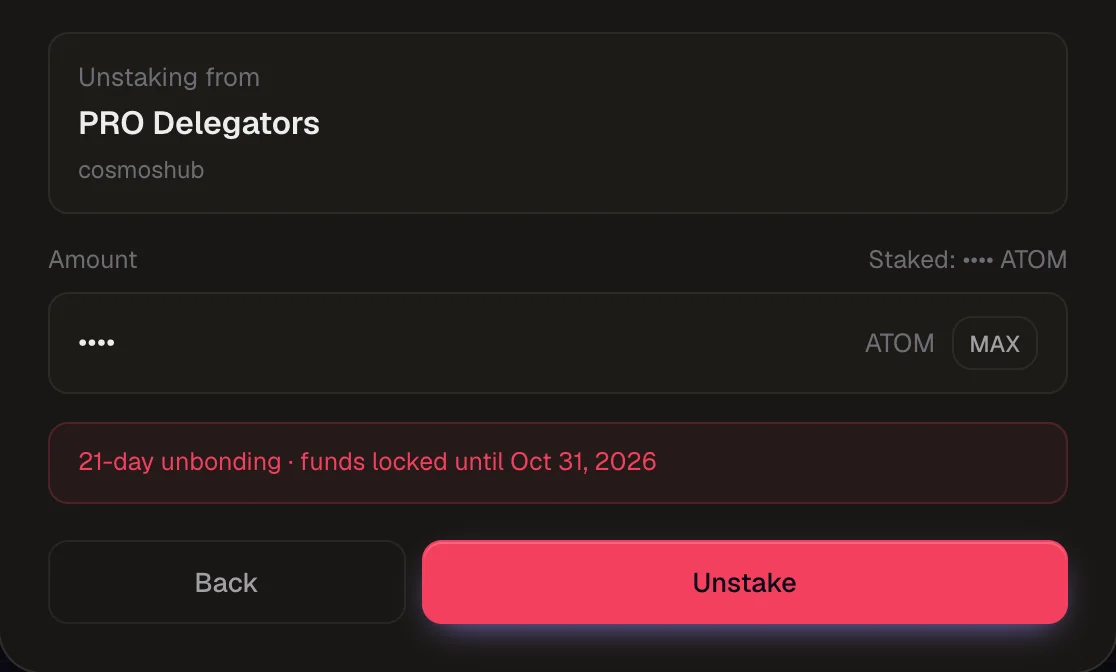
Click Unstake next to a validator, choose the amount (or MAX) and confirm. Whaleboard reads the chain's unbonding period and shows when your funds unlock, e.g. "21-day unbonding · funds locked until Nov 3, 2026".
During unbonding, the tokens don't earn rewards. They appear in the Unbonding card and return to your wallet automatically when the period ends.
Claim Cosmos rewards
Rewards are claimed from the Staking tab — per chain with Claim, or all chains with Claim all.
Solana
On Solana, each stake is held in its own stake account delegated to a validator.
Stake SOL
Pick a validator
Validators are listed with their commission and APY (which already includes MEV rewards and is net of commission). Delinquent validators are excluded.
Enter an amount
Type an amount or click MAX. The form shows:
- the stake account reserve — a small amount of SOL every stake account must hold, refunded when you withdraw
- an estimated yearly reward
MAX keeps a little SOL back (0.005 SOL) for transaction fees. If the amount is below the network's minimum stake, the form tells you.
Confirm
Click Stake and approve in your wallet. Your stake activates at the start of the next epoch (~2 days) and shows a live in ~Nd tag until then.
Unstake SOL
Click Unstake next to a stake account and choose the amount.
- Full unstake — the whole stake account is deactivated.
- Partial unstake — the amount is split into a new stake account, which is deactivated, while the rest keeps earning. The new account needs its own reserve, paid from your wallet and refunded on withdraw.
A partial unstake is only possible when both parts stay above the network's minimum stake. For smaller stake accounts, the dialog explains that the account can only be unstaked in full.
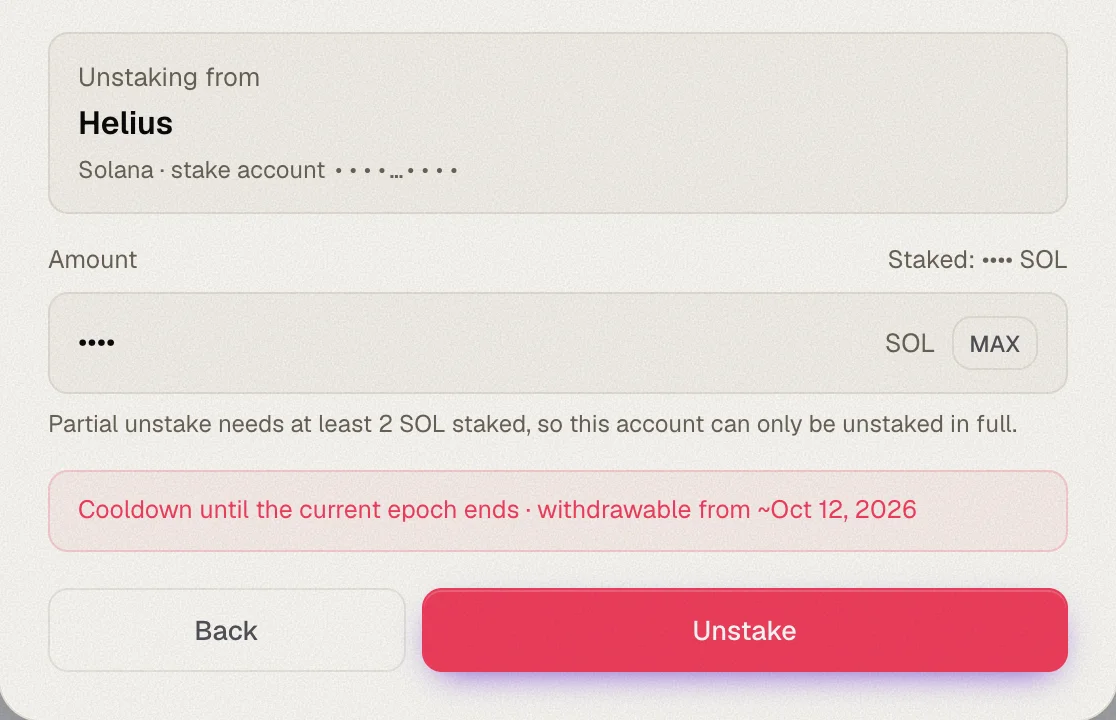
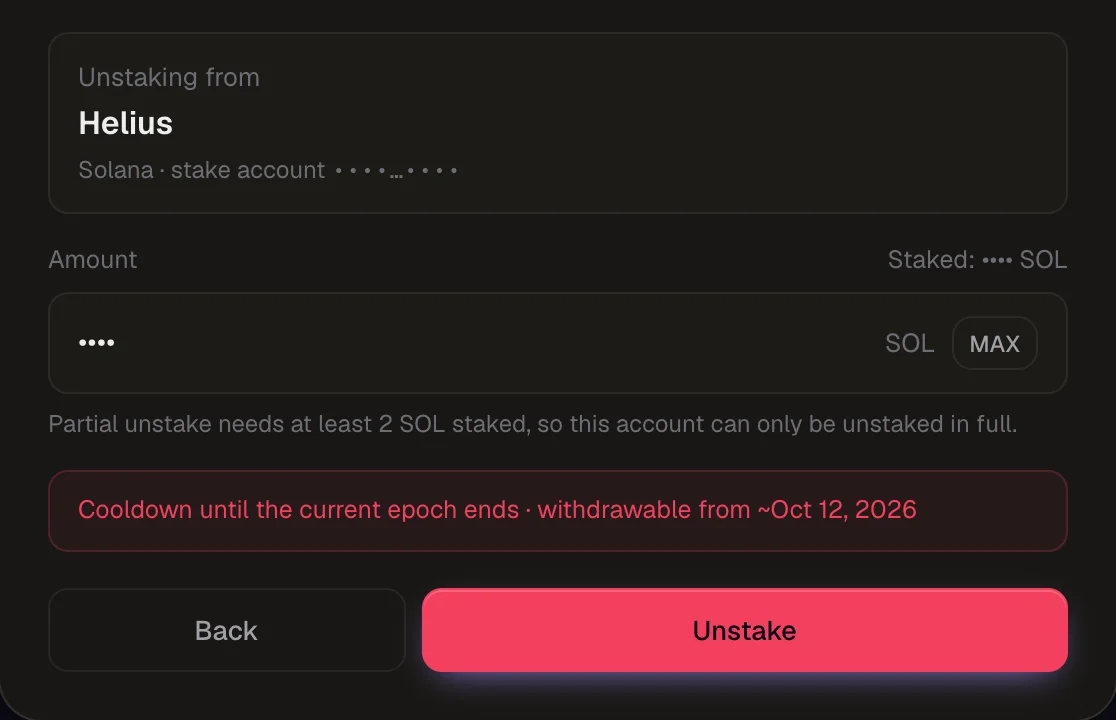
Unstaking completes at the end of the current epoch. The dialog shows when the SOL becomes withdrawable.
Withdraw SOL
Once unstaking completes, the stake account shows Ready to withdraw — in the dialog and in the Unbonding card. Click Withdraw to move the full balance, including the reserve, back to your wallet. The stake account is then closed.
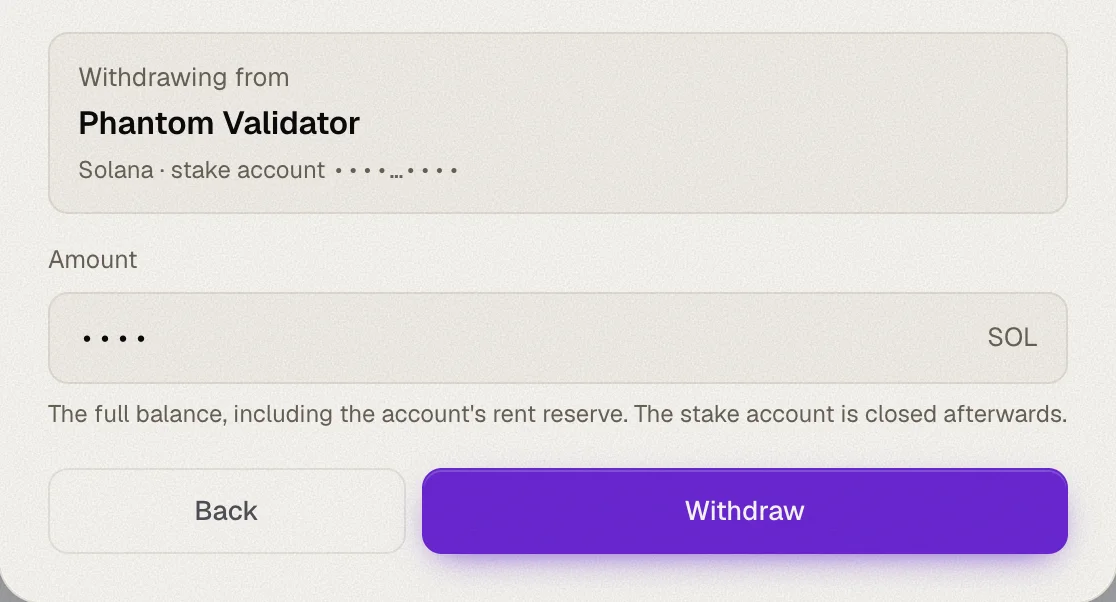
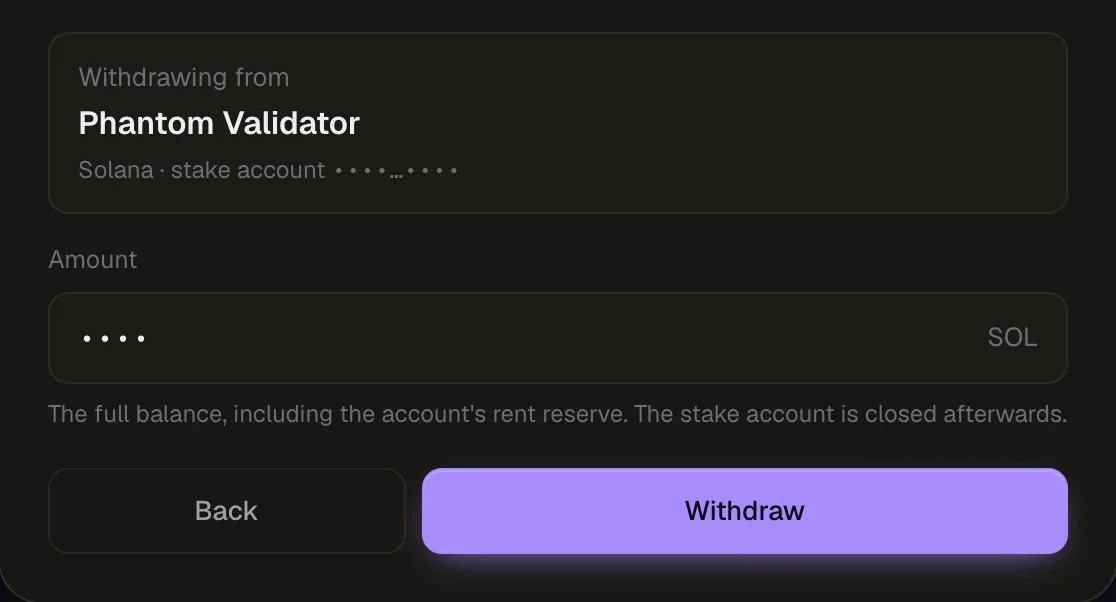
If a stake account has a lockup still in force, Whaleboard shows until when it is locked.
EVM staking
Staking actions are available for Cosmos chains and Solana. EVM chains show balances only.