
Manage chains
Choose which networks are included in your portfolio.
By default, every supported chain is enabled. You can turn chains off to hide networks you don't use and speed up loading.
Open Settings
Click the gear icon in the top bar.
Open Manage chains
Under Networks, click Manage chains.
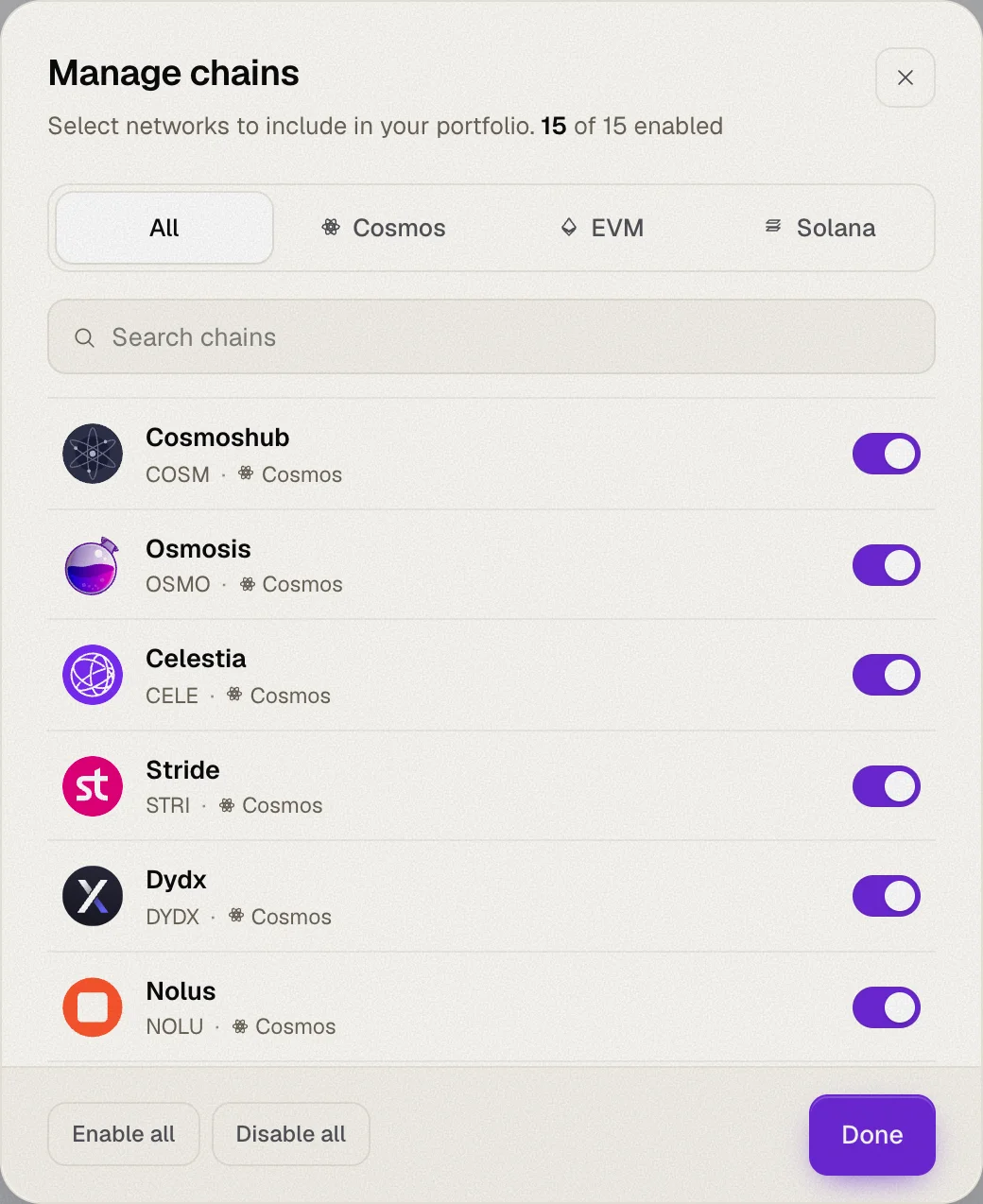
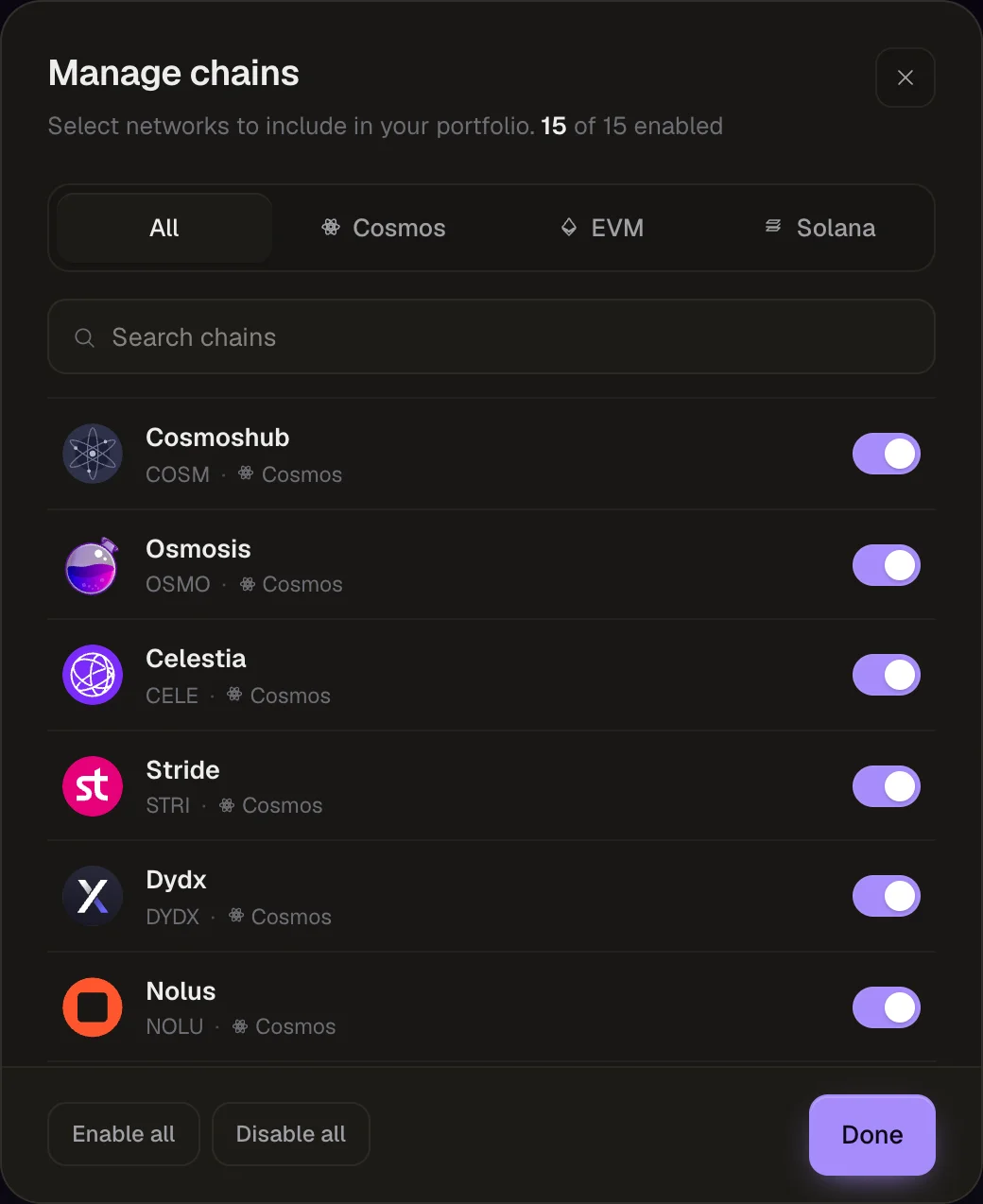
Toggle chains
Click a chain (or its switch) to enable or disable it, then click Done.
Finding chains
- Filter by ecosystem with the All / Cosmos / EVM / Solana tabs.
- Search by chain name or token symbol with Search chains.
- Use Enable all or Disable all to change every chain in the current tab at once.
Disabled chains are not queried at all. Your selection is saved in your browser.
See Supported chains for the full list.